The short answer: the best way to ask customers for Google reviews is to ask every customer, at the moment they are happiest, with one direct link to your review form and a one-line message that takes ten seconds to read. Ask in person, then follow up by email or with a QR code. Never offer a discount or gift in exchange, and never ask only the customers you expect to be happy. Below are the timing, the templates and a simple system for a multi-location team.
Why it is worth asking customers for Google reviews
Most happy customers never think to leave a review; unhappy ones often do without being asked. A steady, polite ask is what balances the picture. Recent reviews matter to the people reading them, to Google’s local results and to AI assistants, which read your reviews before they recommend a business. Google itself encourages businesses to remind customers to leave reviews and to share a review link or QR code.
The rules: what Google allows and what it does not
| Allowed | Not allowed |
|---|---|
| Asking every customer for an honest review | Offering discounts, gifts or prize draws for a review |
| Sending a direct link or QR code | Asking only customers you think are happy (“review gating”) |
| Reminding customers once or twice | Writing reviews for customers or posting them from the business |
| Thanking reviewers and answering every review | Asking staff, family or friends to post reviews |
| Asking in person, by email, on a receipt or a card | Paying anyone for reviews |
Google treats incentivised reviews as fake content. Breaking these rules can get reviews removed, and in some countries it also breaks consumer protection law.
When to ask customers for Google reviews
Timing does most of the work. Ask when the customer has just felt the benefit:
- Dental or medical: at checkout after a good visit, or the next morning by email.
- Home services: when the job is finished and the customer has seen it working.
- Restaurants: when the bill arrives, with a small card or QR code.
- Legal and professional services: when the matter closes well, by email.
- Auto dealers: at vehicle handover, then a reminder a week later.
Within 24 hours is the sweet spot. After a week, response drops sharply.
How to get your Google review link
- Open your Google Business Profile while signed in as an owner or manager.
- Choose “Ask for reviews” (or “Get more reviews”).
- Copy the short link. It opens the review form directly.
- For a multi-location business, get one link per location and label them clearly, so each review lands on the right profile.
- Turn each link into a QR code for counters, receipts and cards.
Templates to ask customers for Google reviews
In person (what to say)
“I’m glad that went well. If you have a minute, a Google review really helps other people find us. I’ll email you the link.” Short, sincere, no pressure.
Email after a visit or job
Subject: How did we do, [first name]?
“Hi [first name], thank you for choosing [business] in [city]. If you have a minute, would you share your experience on Google? It helps other people in [city] find a [service] they can trust. [Review link] Thank you, [staff first name], [business].”
Reminder (one only, 5 to 7 days later)
“Hi [first name], just a quick reminder in case you missed our last note. If you have a moment, your Google review would mean a lot to the team: [review link]. Thanks again, [staff first name].”
Card or receipt
“Enjoyed your visit? Tell others on Google. Scan to leave a review.” With the QR code for that location.
After a problem you fixed
“Thank you for your patience, [first name]. We’re glad we could put it right. If you’d like to share how we handled it, here’s our Google review link: [review link].” Never ask only after good experiences; ask everyone, including customers whose problem you solved.
A simple review system for a multi-location team
- One link per location, stored in one place the whole team can use.
- Ask every customer, using the same templates everywhere.
- Send the email ask automatically the day after the visit, with one reminder.
- Answer every review, good or bad. Thanks for the positives; for the negatives, see how to respond to negative reviews within one business day.
- Track per location: requests sent, reviews received, average rating, replies on time.
Mistakes that cost you reviews
- Linking to your profile instead of the review form. Every extra click loses people.
- Asking weeks later. The good feeling has gone.
- Long messages. One sentence and one link.
- Using the wrong location’s link. Reviews land on the wrong profile.
- Not answering the reviews you get. Customers notice when nobody replies.
What nobody can promise
No one can guarantee a number of reviews or a star rating, and you cannot control what customers write. What you can control is asking consistently, making it easy and answering every review. Over a few months, that is what moves a profile.
How MGMT Core handles review requests
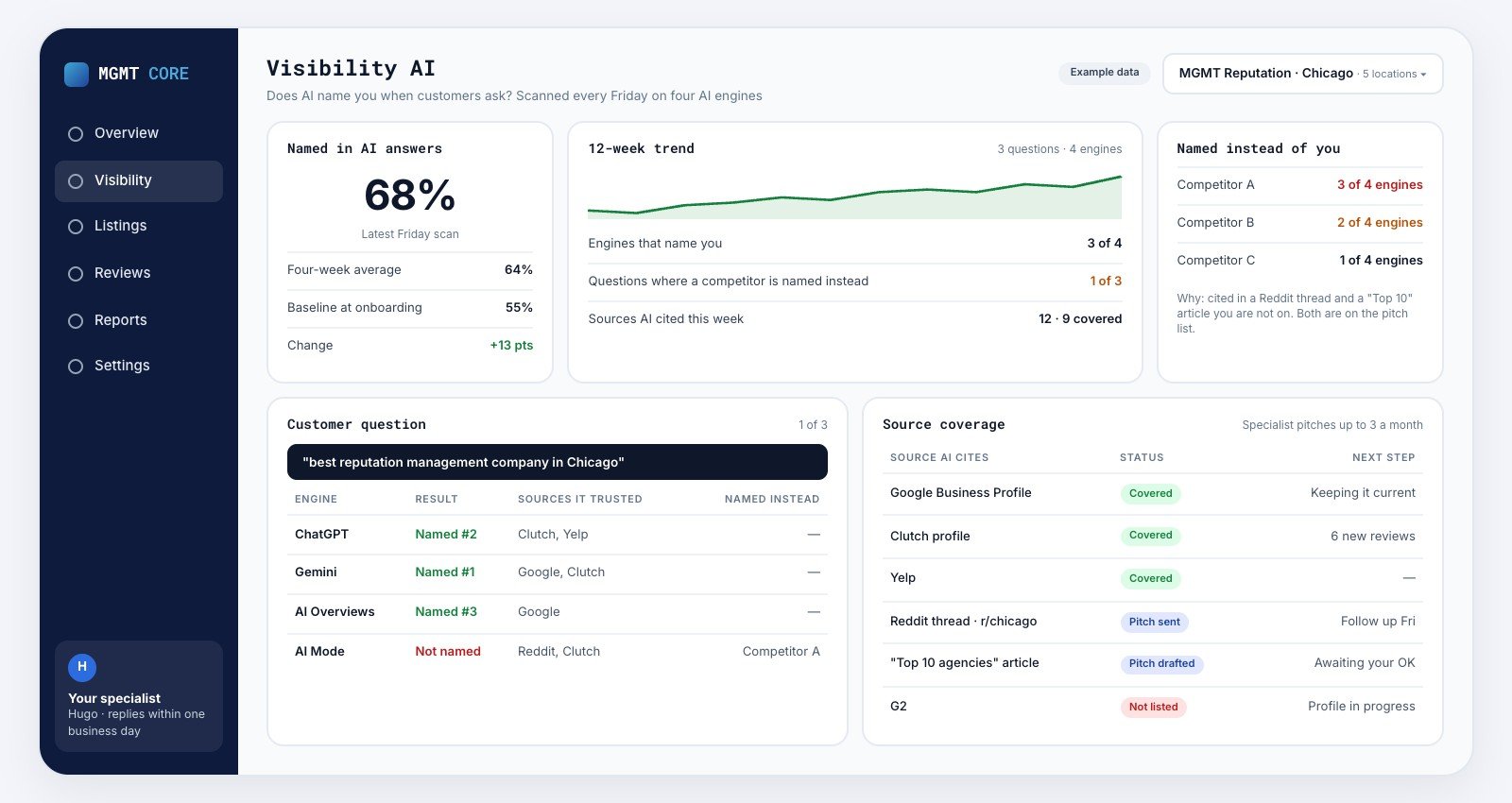
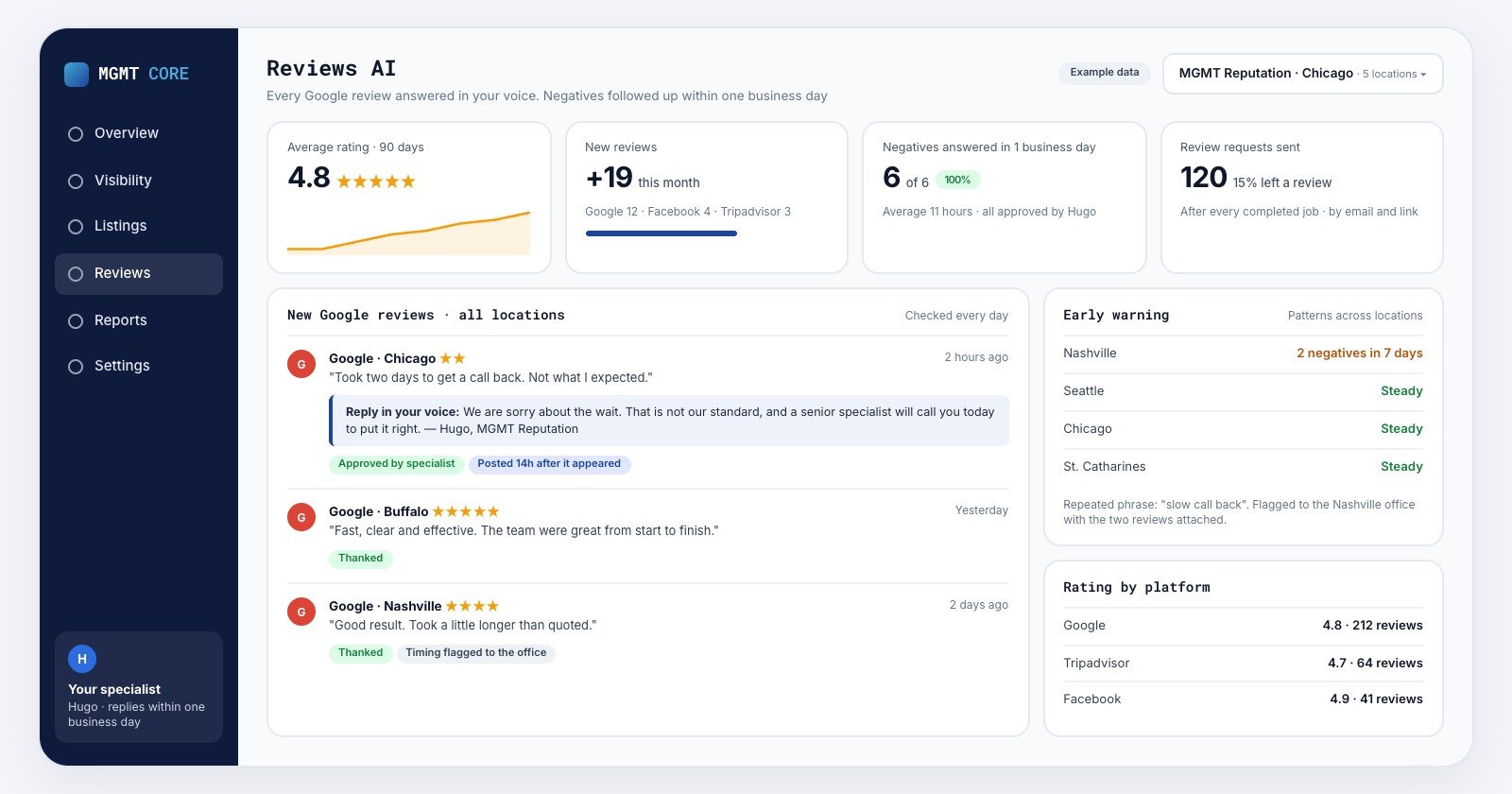
Reviews AI sends review-request campaigns by email and link for each location, monitors new reviews on Google, Facebook, Yelp, Tripadvisor and Trustpilot, and answers every Google review in your voice, approved by your specialist. Negative reviews are followed up within one business day. Reviews also feed into whether AI recommends you; see what an AI visibility score includes. It is $400 per location per month with no contract; see pricing.
FAQs
Is it OK to ask customers for Google reviews?
Yes. Google encourages it, as long as you ask everyone, offer nothing in return and never write or filter reviews yourself.
Can I offer a discount for a review?
No. Any incentive, including discounts, gifts and prize draws, breaks Google’s rules and can get reviews removed.
How many times should I ask?
Once, plus one reminder. More than that starts to feel like pressure.
Should I ask by text message?
Text can work, but in many places it needs the customer’s prior consent. Email, a link and a QR code are simpler to run correctly.
Want every location asking, and every review answered? Book a demo of Reviews AI.