The short answer: to keep multi-location listings accurate, pick one master record for every location and make these twelve details match on every map, directory and navigation platform. When two platforms disagree, customers get sent to a closed door, map rankings suffer and AI assistants have a reason to doubt you. Use the checklist below, fix the highest-traffic platforms first, then keep it maintained every month.
The multi-location listings checklist: 12 details to keep identical
- Business name. Written exactly the same way everywhere, including “&” versus “and” and any location suffix. Do not add keywords to the name; most platforms forbid it.
- Street address. Including the suite or unit number, written in one consistent format.
- Primary phone number. A local number for each location. If you use call tracking, keep the main number as the primary and the tracking number as secondary where the platform allows.
- Website URL. The page for that specific location, not just your home page.
- Regular opening hours. Check them against what the front desk actually does.
- Holiday and special hours. Set them ahead of every public holiday. This is the detail that most often goes wrong.
- Primary and secondary categories. The primary category is one of the strongest signals for map results. Choose the most specific one that is true.
- Business description. Plain language about what this location does and where.
- Photos and logo. Current exterior, interior and team photos, so customers recognise the building.
- Service area. If you travel to customers, list the towns or postcodes you actually serve.
- Booking, appointment or menu links. Each one pointing to the right location.
- Attributes. Parking, accessibility, payment types, languages spoken and similar details.
Why small mismatches in multi-location listings matter
A wrong closing time on one directory sends a customer to a locked door and earns you a one-star review. An old suite number on another makes the same location look like two businesses. A second phone number from an old campaign splits your reviews and calls.
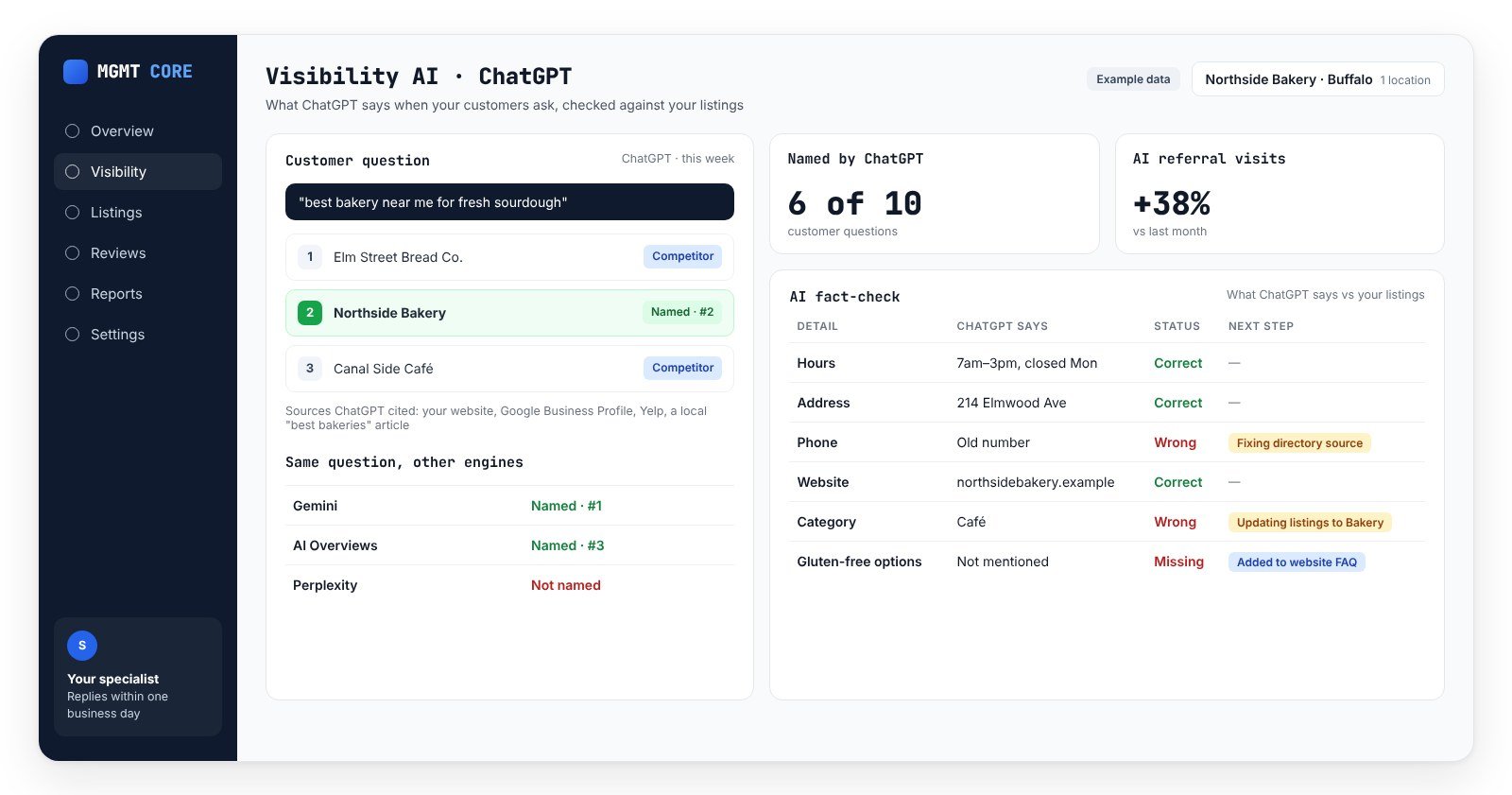
Search engines and AI assistants cross-check these details. When they agree everywhere, the location looks established and trustworthy. When they disagree, the engines have to guess, and they often guess in favour of a competitor whose information is clean. For a multi-location business the risk multiplies: ten locations times dozens of platforms is hundreds of chances for one detail to drift.
Where multi-location listings need to be correct
Start with the platforms that send the most customers, then work outwards:
| Platform type | Examples |
|---|---|
| Search and maps | Google Business Profile, Apple Maps, Bing Places |
| Social | |
| Navigation and GPS | Waze, TomTom, HERE, Garmin |
| Search engines and apps | DuckDuckGo, MapQuest, Uber |
| Directories and review sites | Yelp, industry directories, local chamber listings |
Google publishes guidelines for representing your business; they are worth reading before you change names or categories.
How to fix multi-location listings, step by step
- Build the master record. One spreadsheet row per location with all twelve details. This is the source of truth; nothing gets published that is not in it.
- Audit the big platforms. Compare Google, Apple, Bing and Facebook against the master record for every location.
- Find duplicates. Search each platform for old addresses, old phone numbers and old names. Duplicates split reviews and confuse customers.
- Fix and suppress. Correct what is wrong and request removal or suppression of duplicates. The publisher has the final say, so record what you requested and when.
- Distribute to the wider network. Push the master record to navigation, GPS and directory platforms through a listings network rather than one by one.
- Lock and monitor. Platforms accept edits from the public. Check monthly and reverse unwanted changes.
How to measure listing accuracy
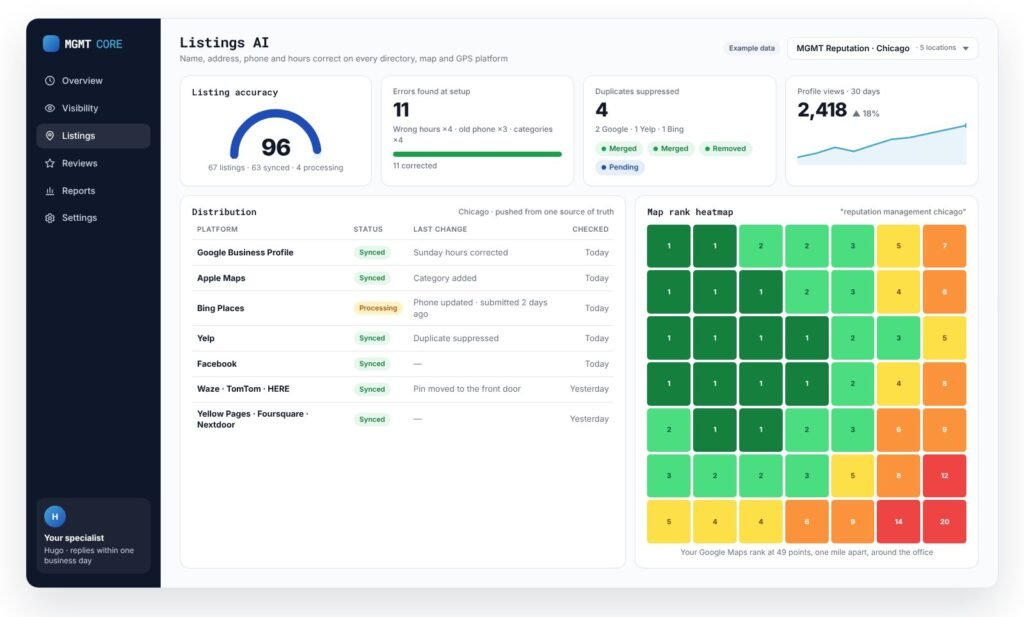
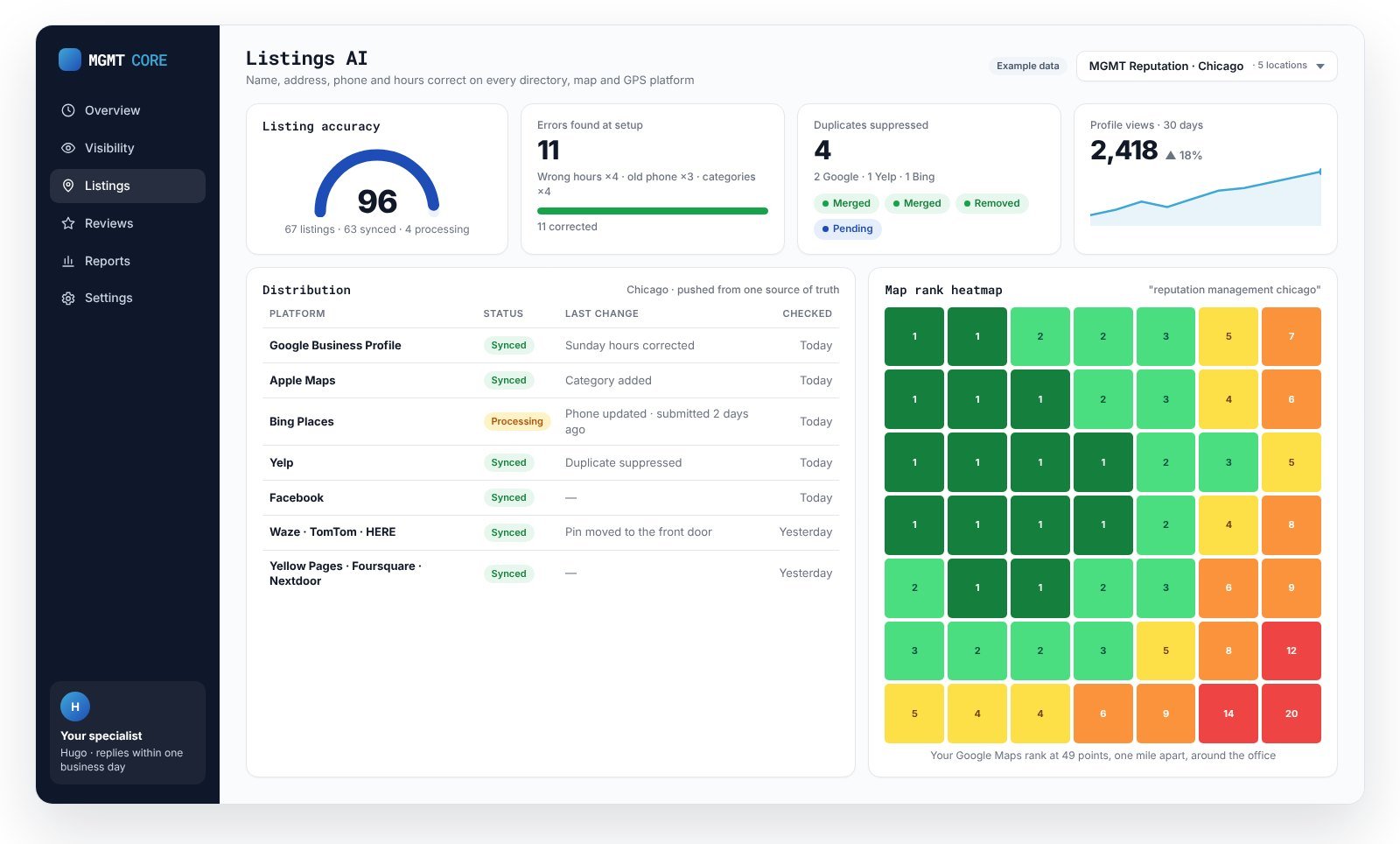
A simple measure: listing accuracy = listings that match the master record ÷ live listings × 100. If 48 of 50 listings are correct, the score is 96. Track it per location so you can see which ones drift. We explain this and the map rank grid on how we measure.
What accurate listings do for AI visibility
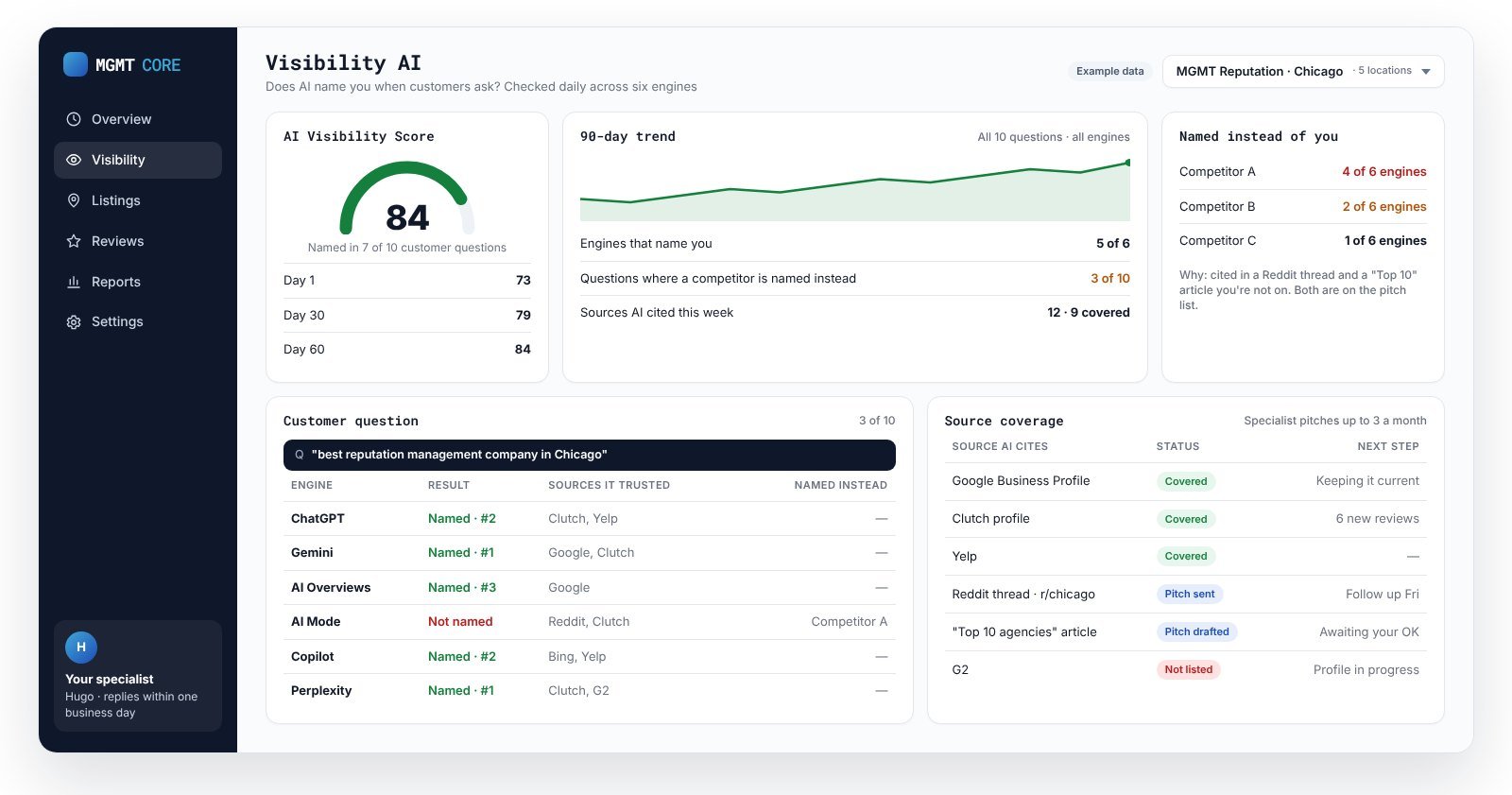
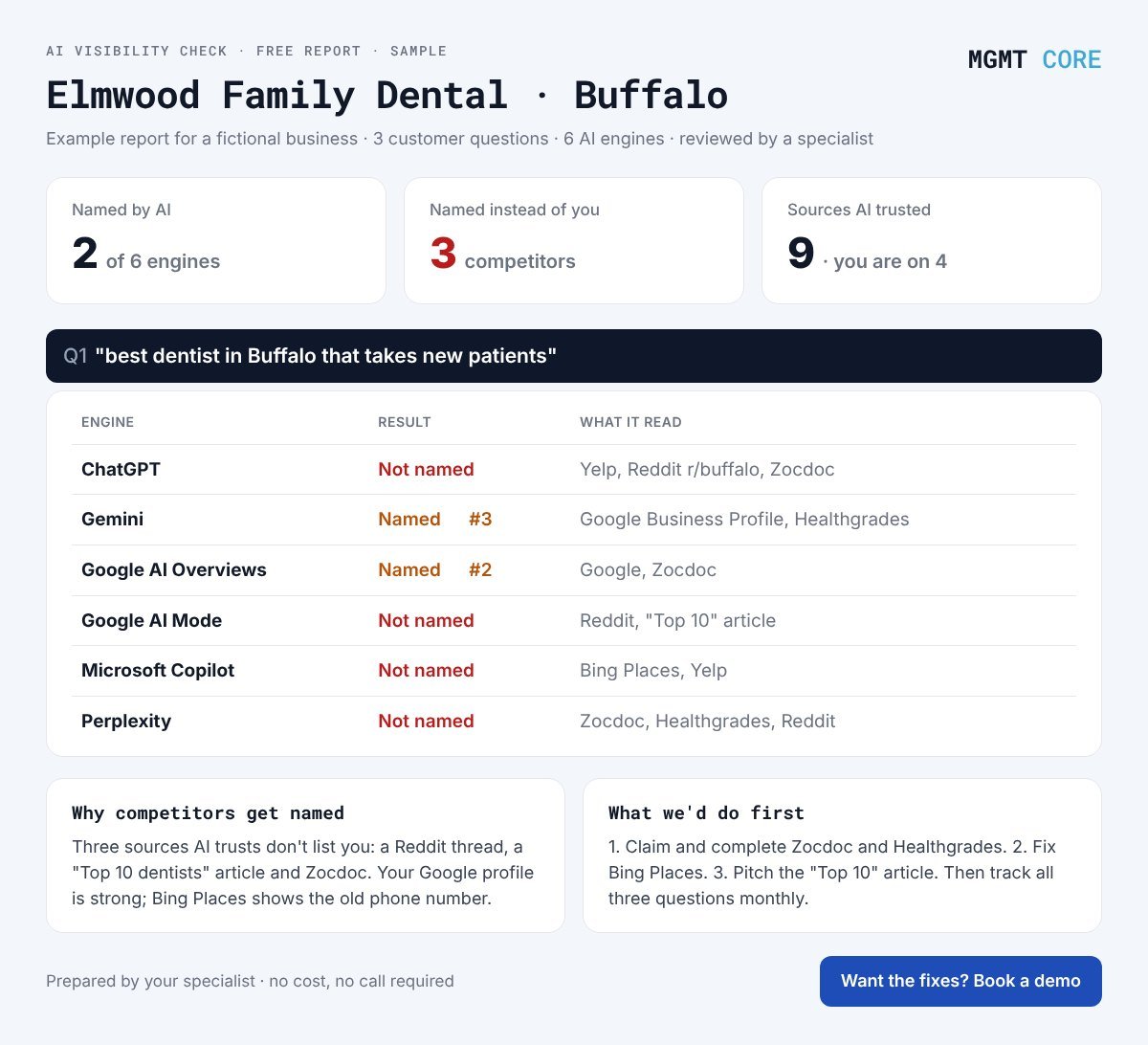
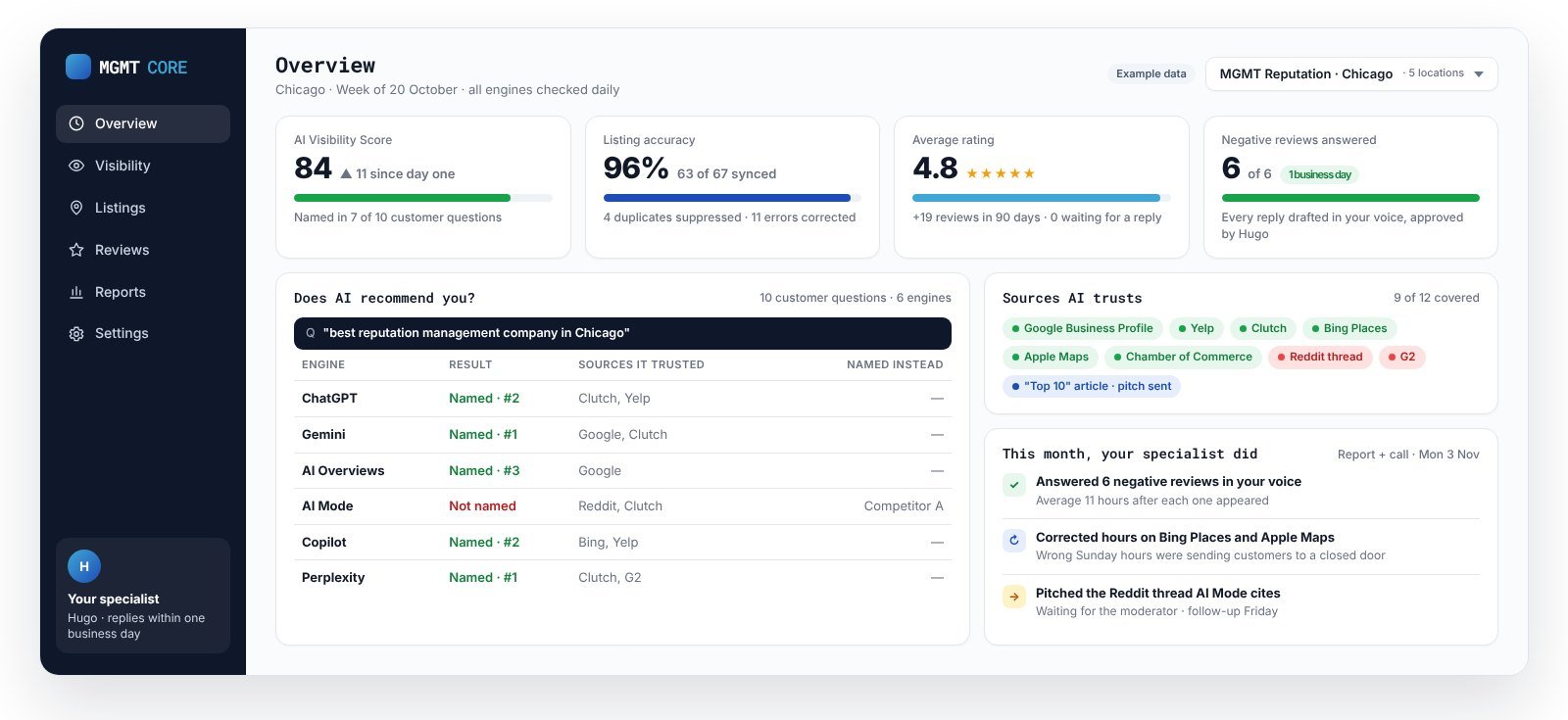
AI assistants read listings and maps before they recommend a local business. Clean, consistent details remove one of the most common reasons to leave a location out of an answer. To see whether the engines name you today, follow how to check if ChatGPT recommends your business, and read what an AI visibility score includes.
How MGMT Core keeps multi-location listings correct
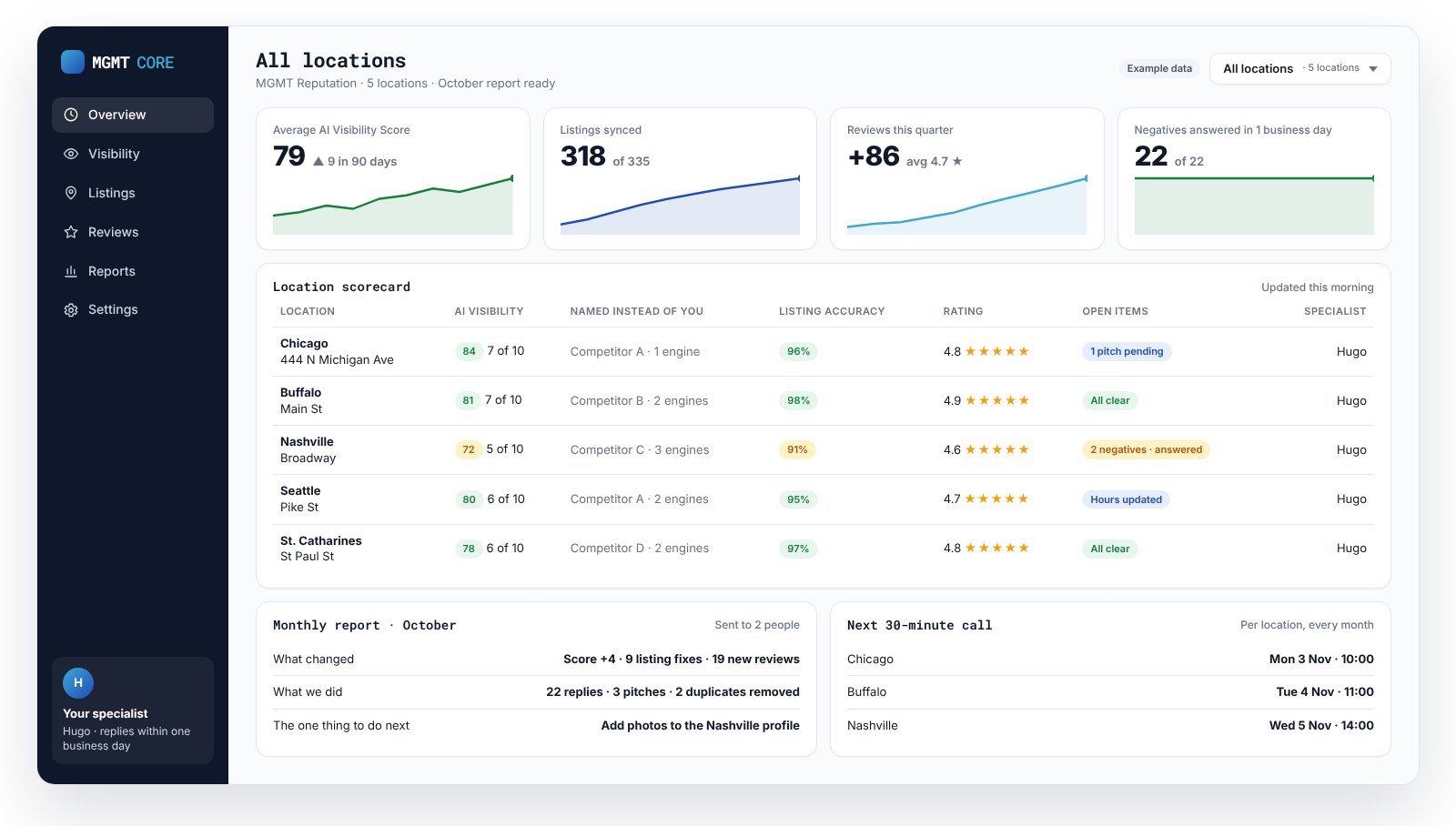
Listings AI distributes your master record to a network of up to 102 publishers, including the major directories, maps and GPS platforms (the publishers available depend on your country and business type). Duplicates are flagged and suppressed wherever the publisher allows, and a 7 × 7 map rank grid shows where nearby customers see you or a competitor first. A named specialist checks every location monthly. MGMT Core is $400 per location per month with no contract; see pricing.
FAQs
How often should multi-location listings be checked?
At least monthly, and before every public holiday. Platforms accept suggested edits from the public, so correct details can change without you knowing.
Should every location have its own website page?
Yes. Each listing should link to a page for that location with its address, hours, services and answers to common questions.
What is the most important detail to get right?
Name, address and phone number, followed by the primary category and hours. Those drive most of the customer-facing mistakes.
Can duplicate listings be deleted?
They can be reported and suppressed, but the publisher decides. Some remove them quickly; others take time or keep them as closed.
Not sure how accurate your listings are? Get a free AI visibility check or book a demo to see your locations in Listings AI.