The short answer: OpenAI launched Businesses in ChatGPT on November 10, 2026. Through Business Hub, a business can claim or create its profile, verify it, correct its details and see how often ChatGPT mentions it. Online stores and US local businesses with an existing listing can start today; businesses that provide a service are still waiting for their option to open. This guide shows how to get your business on ChatGPT: who can list today, the steps, and what a listing will and won’t change.
Why getting your business on ChatGPT matters
OpenAI says 1.2 billion people use ChatGPT every week, and many of them ask it where to eat, who to call or what to buy. Until now, a business had no direct say in what ChatGPT showed about it. A ChatGPT business profile changes that: it’s a first-party way to give ChatGPT accurate details, and the first time owners can see how often ChatGPT mentions them.
How to get your business on ChatGPT: who can list today
When you start in Business Hub, you’re asked how customers usually interact with you. On launch day, the answer decided how far you could get:
| If customers… | You choose | What happened on launch day |
|---|---|---|
| Visit you (a shop, restaurant, salon or office) | At a physical location | You can claim an existing US listing. Creating a new local listing ended on a waitlist in early tests. |
| Buy from your website or a marketplace | Through an online store | You can create or claim a profile and verify it straight away. |
| Book a service you deliver in person or remotely | Through a service | Grayed out and marked “Coming soon”. |
What to have ready before you start
The steps go faster, and you avoid a stalled claim, if you have these in hand first:
- A business login: a ChatGPT account on your business email, which becomes the profile’s admin.
- Access to your domain’s DNS: or someone on hand who has it, in case you verify by domain.
- Your registration details: legal business name, registered address and registration or tax number, matching official records.
- Consistent details: the same name, address, phone and hours as on your Google Business Profile and website.
- Your logo, a cover photo and a short description: written factually, without claims you can’t back up.
Step 1: Find your business in Business Hub
Sign in to ChatGPT with the account that should manage the profile (use your business email, not a personal one) and open Business Hub. Search for your business by name. If ChatGPT already has a listing, select it and claim it. If it doesn’t, eligible online businesses are offered “Create” instead.
Step 2: Choose how customers buy from you
Pick the option that truly describes your business. It shapes which fields you fill in, and a published profile can only be edited, not deleted, so it’s worth getting right. If your business really is a service, wait for that option to open rather than forcing it through another route.
Step 3: Verify that the business is yours
OpenAI verifies a claim through a business phone number, business email, website domain or Shopify account, depending on the business. If you’re asked to verify your domain, you add a short DNS TXT record through your domain provider. In our test, the record expired the same day it was issued, so have access to your DNS settings before you start. Shopify merchants can connect their store to speed this up.
Step 4: Pass the identity check
After the claim is approved, the person managing the profile completes a separate identity check before they can publish changes, connect a product feed, see insights or create an agent. It can ask for government ID, business registration details and proof that you can represent the business, and the details need to match official records. The blue check appears once this step is approved.
Step 5: Fill in your profile properly
Once verified, you can edit your website, description, category, logo, cover photo, and delivery and return policies. OpenAI reviews each change before it goes live. Keep the description factual and consistent with your Google Business Profile and website: same name, same address, same hours, same services. Retailers can also upload a product feed with prices and stock, or connect a Shopify store.
Step 6: Watch what ChatGPT says about you
Business Hub shows mentions, website clicks and the topics people ask about over the past 28 days. Figures only appear once activity passes a reporting threshold, so a blank number isn’t the same as zero. For a local business, a mention counts when your location is shown in an answer. OpenAI doesn’t share individual conversations.
Getting listed vs getting recommended
A profile helps ChatGPT get your details right. It doesn’t decide whether ChatGPT recommends you. OpenAI says claiming a profile doesn’t guarantee higher placement or more sales, and ChatGPT keeps making its own recommendations from what it finds across the web: your listings, your reviews, your website and what others write about you.
That’s why knowing how to get your business on ChatGPT is only the first step: the work doesn’t stop at the profile. If ChatGPT has the wrong hours, address or services, see our guide to fixing wrong information about your business in ChatGPT. To see whether it names you at all, follow how to check if ChatGPT recommends your business.
What nobody can promise
Even when you follow every step of how to get your business on ChatGPT, nobody can guarantee that it will mention or recommend your business, or say when a change will show up in its answers. Business Hub is also a beta: the steps above are what we saw at launch on November 10, 2026, and OpenAI is expected to change them as more categories open.
How MGMT Core helps
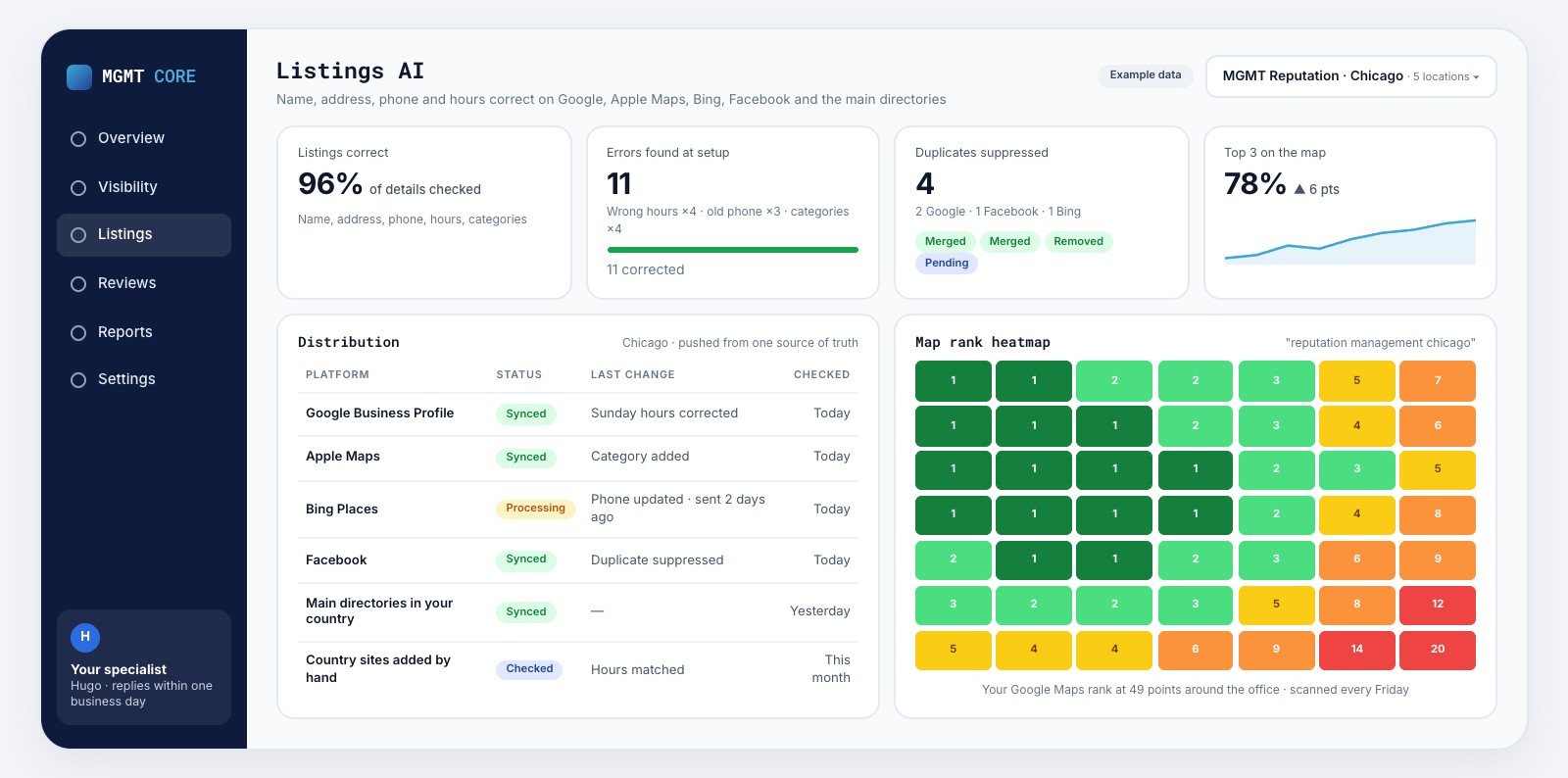
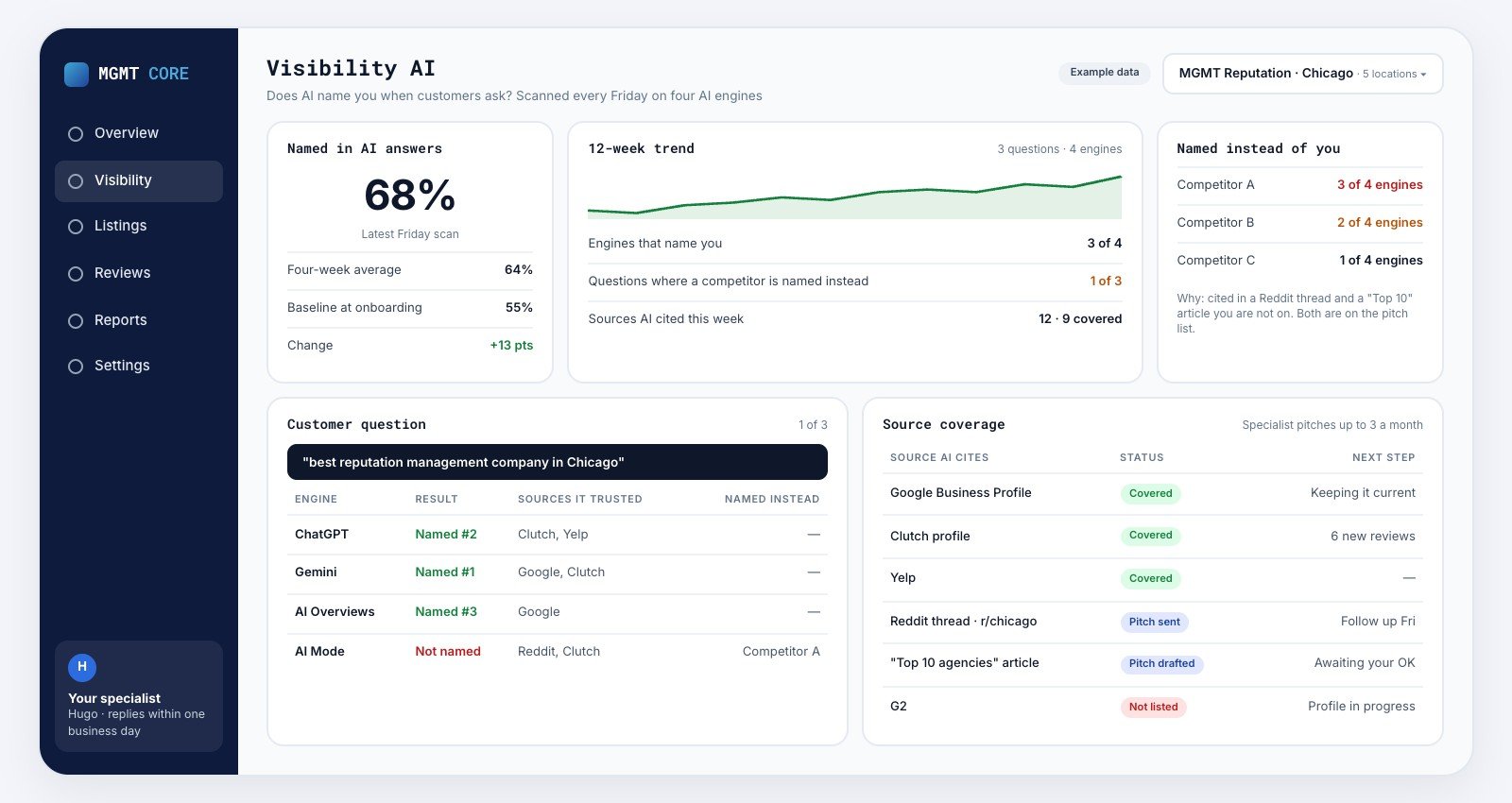
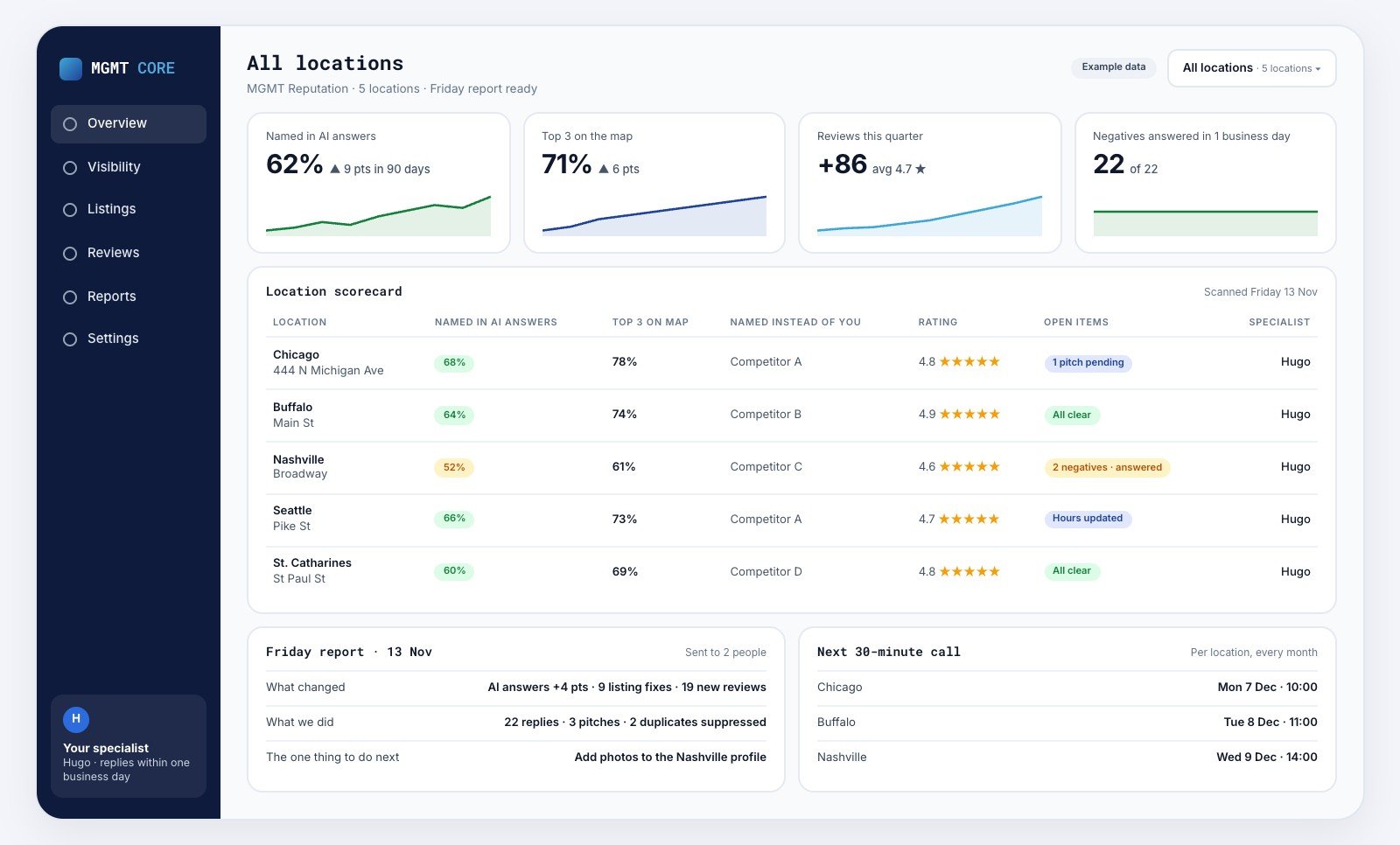
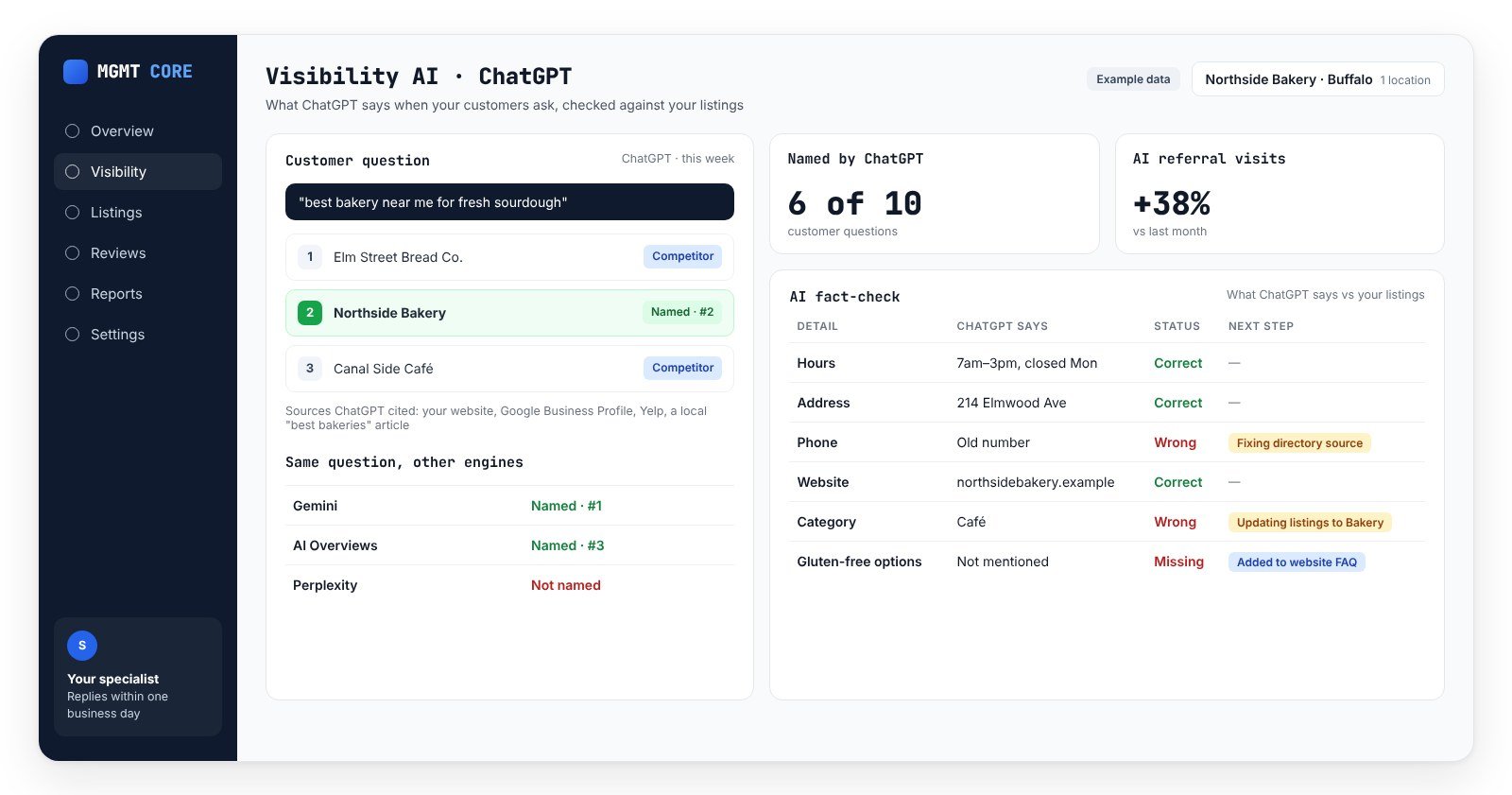
Once you know how to get your business on ChatGPT, the next job is keeping what it says accurate, location by location. Visibility AI tracks what ChatGPT, Gemini, Google AI Overviews and Google AI Mode say about each of your locations every Friday, with who was named and which sources were cited. Listings AI keeps your name, address, hours and categories consistent across the directories and maps AI tools read, and suppresses duplicates where the directory allows. You also get a named reputation specialist on your account. See pricing for what’s included per location.
FAQs
Does it cost anything to get your business on ChatGPT?
Not at launch. Reports from the launch say claiming a profile and publishing a Business Agent cost nothing for now, though OpenAI hasn’t ruled out charging later. ChatGPT advertising is separate and paid.
Can I list a business with several locations?
Each brand is managed separately, and claiming the main brand doesn’t claim its locations. OpenAI hasn’t yet set out how multi-location businesses should manage every location, so check each one in Business Hub.
What is a ChatGPT Business Agent?
An AI assistant on your profile that answers questions about your products and policies and links to your site. At launch it’s available to eligible US ecommerce and online service businesses. It can’t take bookings or complete purchases for customers.
Can my agency manage my ChatGPT profile?
Yes. Business Hub lets you add teammates or give an agency access, each person using their own ChatGPT account.
Someone else claimed my business. What do I do?
Use the “Dispute ownership” option in Business Hub and verify your identity.
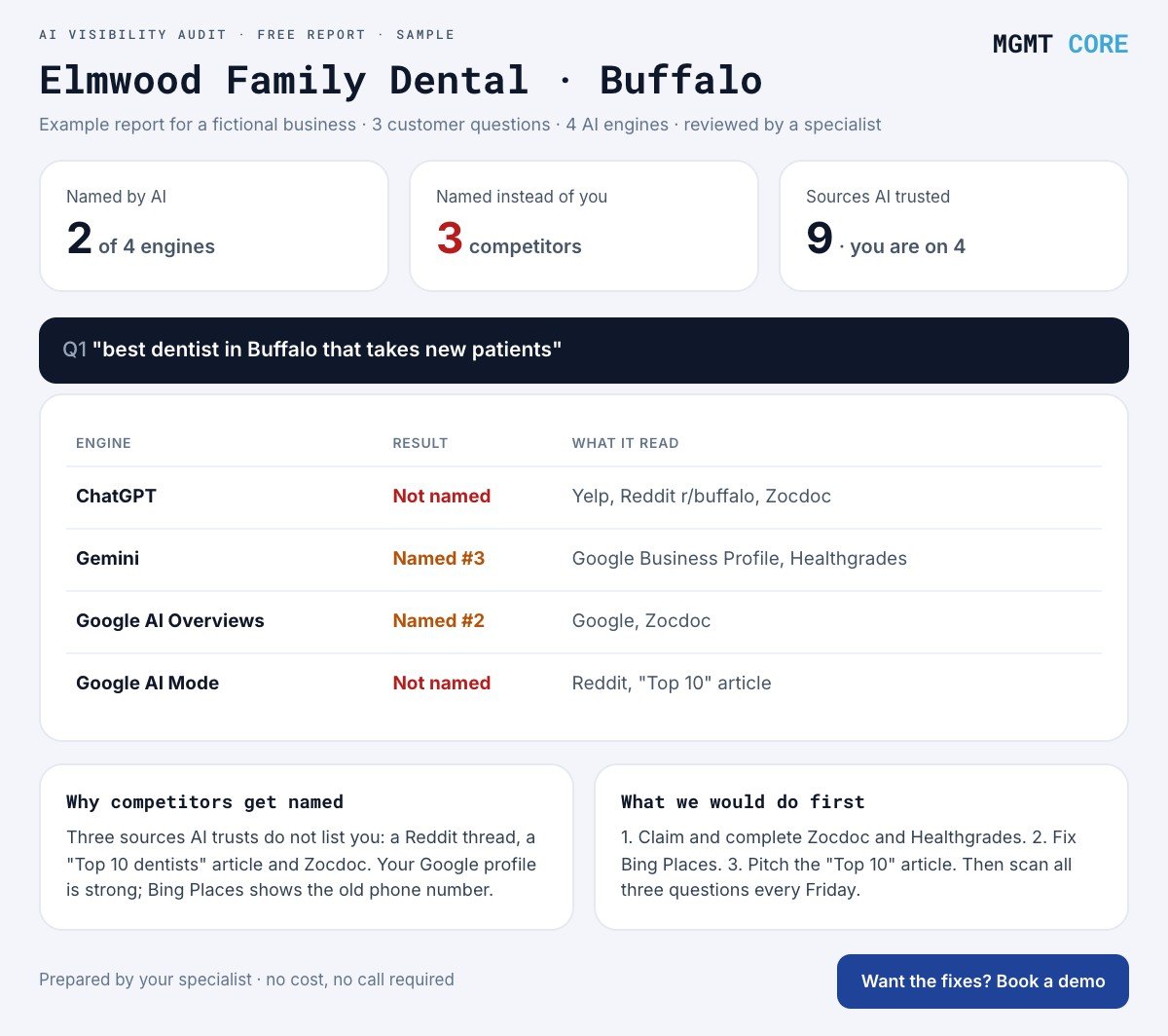
Want to see what AI says about your locations right now? Get a free AI visibility audit.