The short answer: when ChatGPT has wrong information about your business, it is usually repeating something it read elsewhere: an old listing, a directory with outdated hours, a review that mentions a service you dropped, or a page on your own site that was never updated. You cannot edit ChatGPT directly. You fix wrong information about your business by finding the sources the AI relies on, correcting them, and checking again until the answer changes. This guide shows how, step by step.
Why ChatGPT gets details wrong
AI assistants do not keep a private file on your business. They build an answer from two places: what the model learned during training, and what it finds when it searches the web for your question. OpenAI says ChatGPT search looks up current web sources, can use third-party search providers such as Bing, and shows the sites it cited. Wrong answers usually come from one of these:
- Outdated listings. An old address, phone number or set of hours on a directory or map.
- Duplicate listings. A second profile from a previous location or an old business name.
- Your own website. A services page, location page or FAQ that still describes how things were two years ago.
- Third-party pages. “Best of” lists, local guides and news articles that described you once and were never updated.
- Reviews. Customers mentioning a service, price or person that is no longer true.
- Old training data. Facts the model learned before your change. These fade as current sources outweigh them.
Step 1: Find out exactly what is wrong
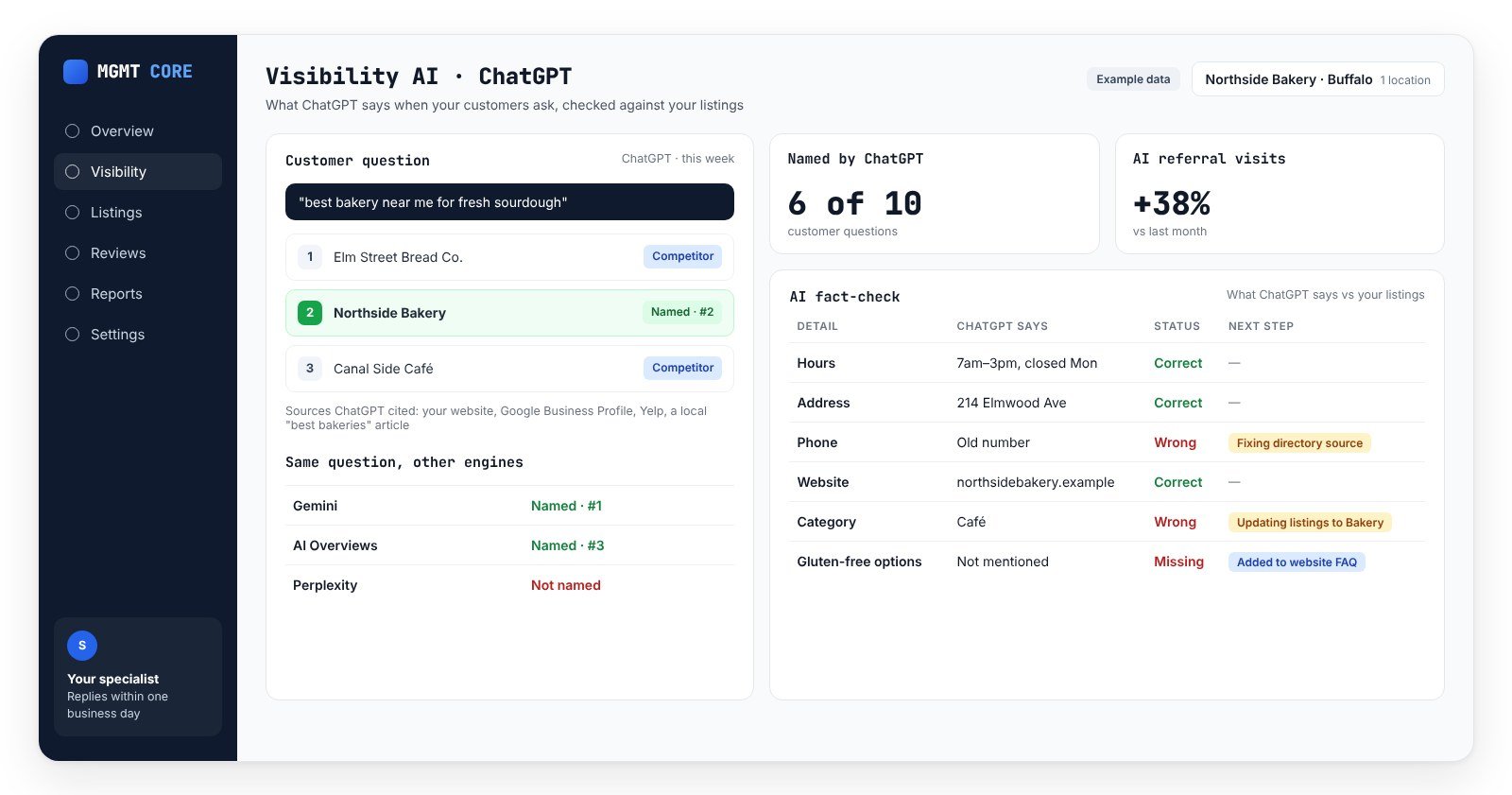
Ask the questions a customer would ask, without leading the answer. “What are the opening hours of [business] in [city]?”, “Does [business] offer [service]?”, “Where is [business] located?”, “Who is the best [category] in [city]?”. Ask on ChatGPT, Gemini, Google AI Overviews and Google AI Mode, because each engine reads different sources. Write down every wrong detail, which engine said it, and which sources it cited. Our guide to checking if ChatGPT recommends your business has a simple sheet you can reuse.
Step 2: Trace each wrong detail to its source
For every wrong detail, open the cited sources and look for the same mistake. If the engine shows no sources, search for the wrong detail yourself: the old phone number, the old address, the discontinued service. Wherever it still appears is a likely source.
| Wrong information | Most likely source | Where to fix it |
|---|---|---|
| Old hours or “permanently closed” | Google Business Profile, Apple Maps, Bing Places, directories | The profile itself, then every listing |
| Old address or phone number | Directories, maps, duplicate listings | Listings network; suppress duplicates |
| Services you no longer offer | Your website, old directory descriptions, reviews | Your service pages and listing descriptions |
| Wrong prices | Old web pages, third-party articles | Your pricing page; ask the publisher to update |
| Confused with another business | Similar names in the same city, merged listings | Consistent name and details everywhere; report merged listings |
| Old staff or owner names | Team pages, news articles, reviews | Your team page; publisher update requests |
Step 3: Fix wrong information about your business at the source
- Your Google Business Profile first. Name, address, phone, hours, holiday hours, categories, services and description. Google explains how to edit your Business Profile.
- Apple Maps and Bing Places. Bing matters for ChatGPT and Copilot, so do not skip it.
- Every other listing. Directories and maps. Use one master record so every listing says the same thing; our multi-location listings checklist covers the twelve details.
- Duplicates. Find old profiles and request suppression or removal. The publisher has the final say.
- Your website. Update location, service and FAQ pages so each one states the current facts plainly, in text, not only in images.
- Third-party pages. Email the publisher of any guide or article that is wrong, with the correct facts and a link to your page.
Step 4: Give the engines a clear, current answer to quote
AI assistants prefer sources that answer the question directly. Add a short “About this location” block to each location page: what you do, where, opening hours, the main services and how to book. Answer the questions people actually ask in plain sentences. Google says its AI features rely on the same fundamentals as search: crawlable, accurate, helpful content.
Step 5: Check again, then keep checking
Changes do not show up in AI answers overnight. Listings and sources are recrawled on their own schedule, and some engines refresh faster than others. Re-ask the same questions every week or two and note which wrong details are gone. When a wrong detail persists, look for a source you missed.
What nobody can promise
Nobody can edit an AI assistant’s answer for you, and no one can guarantee when the engines will pick up a correction. What you can control is the evidence they read. When every source agrees, wrong information about your business has nowhere left to come from.
Wrong information about your business vs not being recommended
These are two different problems. Wrong details are a data problem: fix the sources. Not being named at all is a trust and presence problem: reviews, listings and a place on the sources AI cites. Read what an AI visibility score includes to measure the second one.
How MGMT Core keeps AI answers accurate
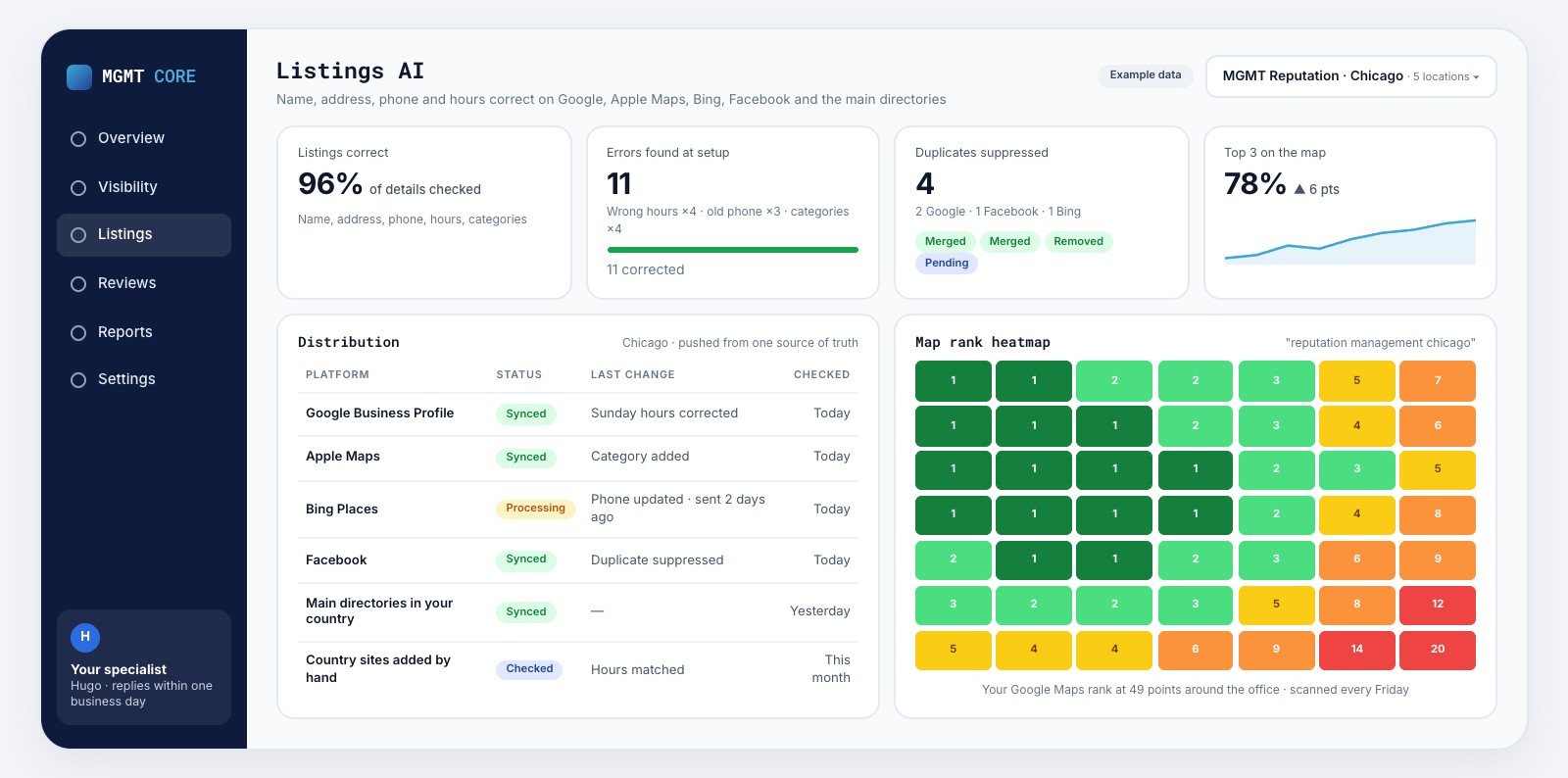
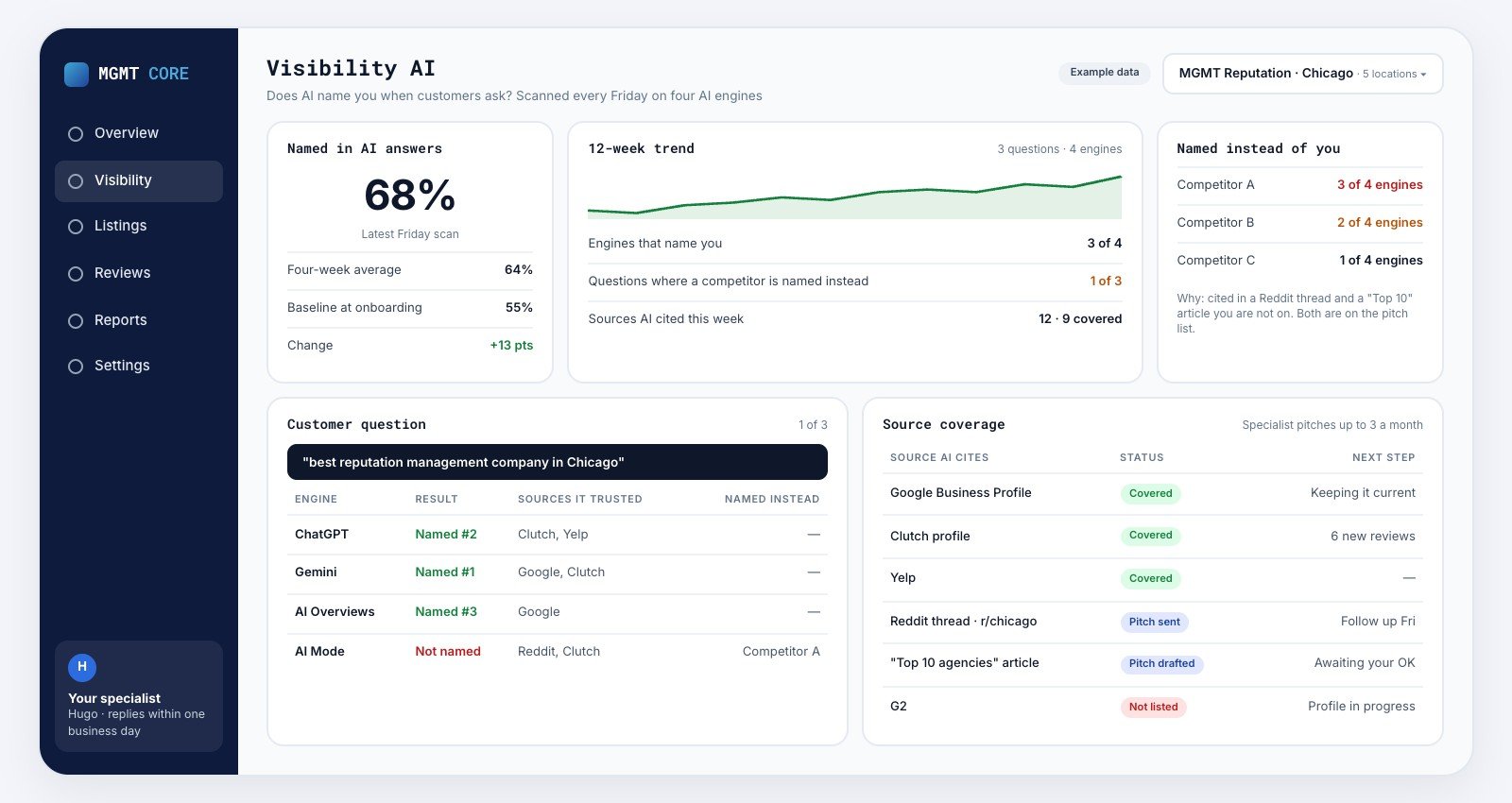
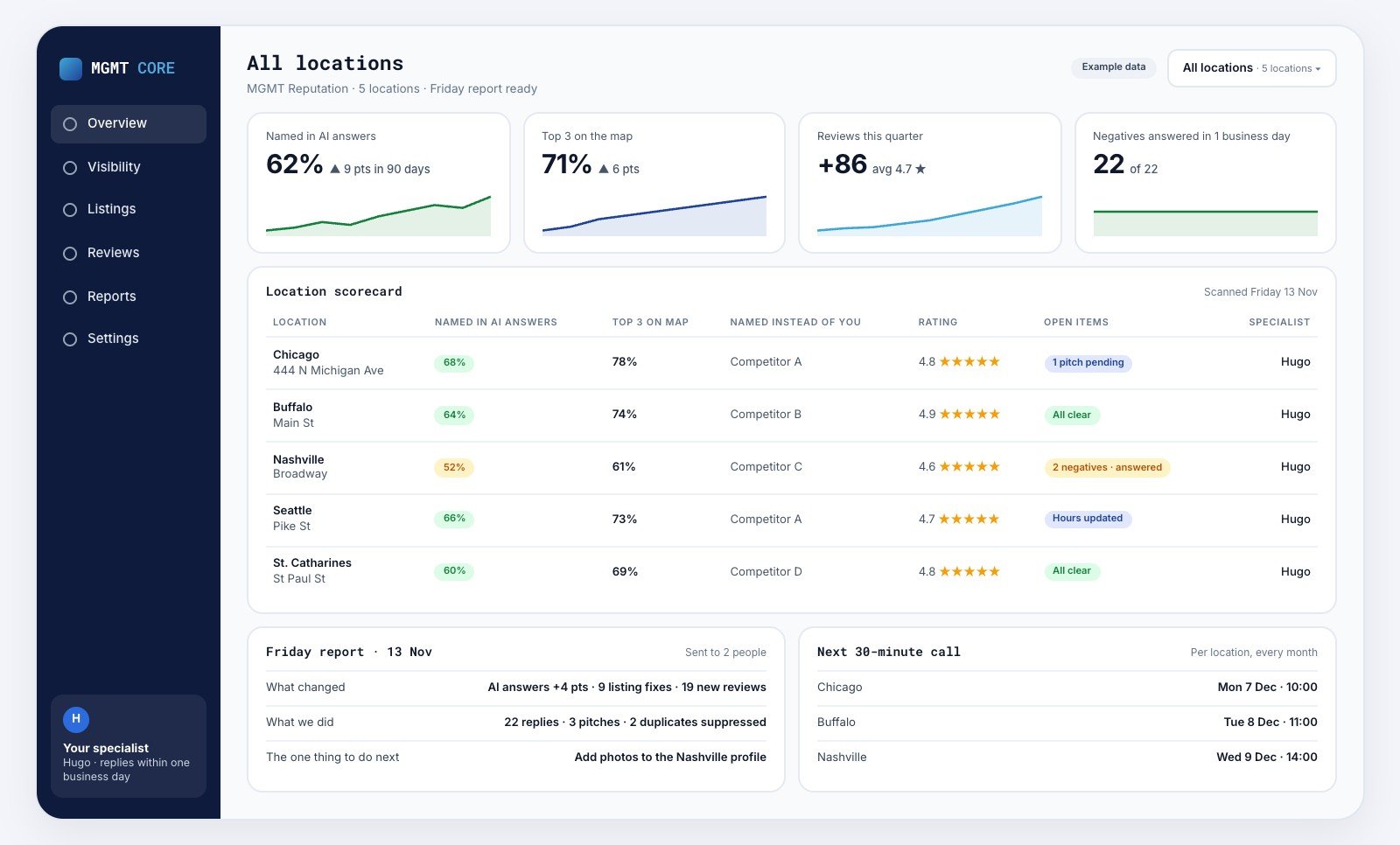
Visibility AI tracks what four AI engines say about each location and which sources they cite, and your specialist flags wrong details in the Friday report. Listings AI pushes one master record to Google, Apple Maps, Bing, Facebook and the main directories in your country and suppresses duplicates wherever the publisher allows. It is $400 per location per month with no contract; see pricing.
FAQs
Can I contact OpenAI to correct information about my business?
There is no form that edits a business’s details inside ChatGPT. The reliable route is fixing the web sources it reads, starting with your listings and your website.
How long does it take for ChatGPT to show the correct information?
It varies. Answers built from live search can change within days of a source being fixed; facts from older training data can take longer to fade.
Why does ChatGPT say my business is closed?
Usually a listing somewhere is marked closed, or a duplicate from an old location is. Search for your business name with “closed” and check every map and directory.
Does wrong information affect whether AI recommends me?
Yes. Conflicting details make a business look less reliable, and engines tend to favour businesses whose information agrees everywhere.
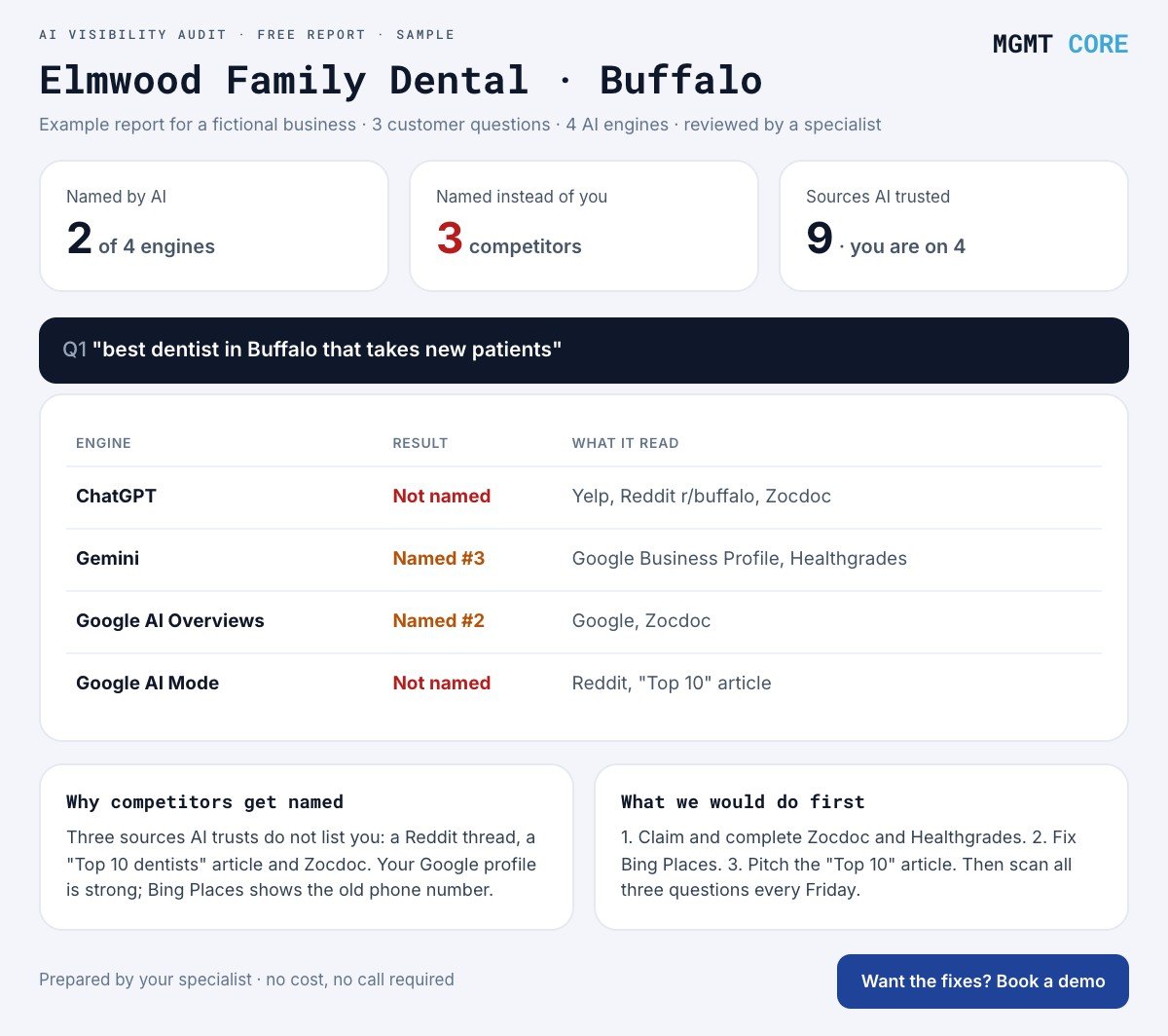
Want to see what AI says about you right now? Get a free AI visibility audit: engine by engine, what it says, who it names instead and which sources it trusts.